Introduction
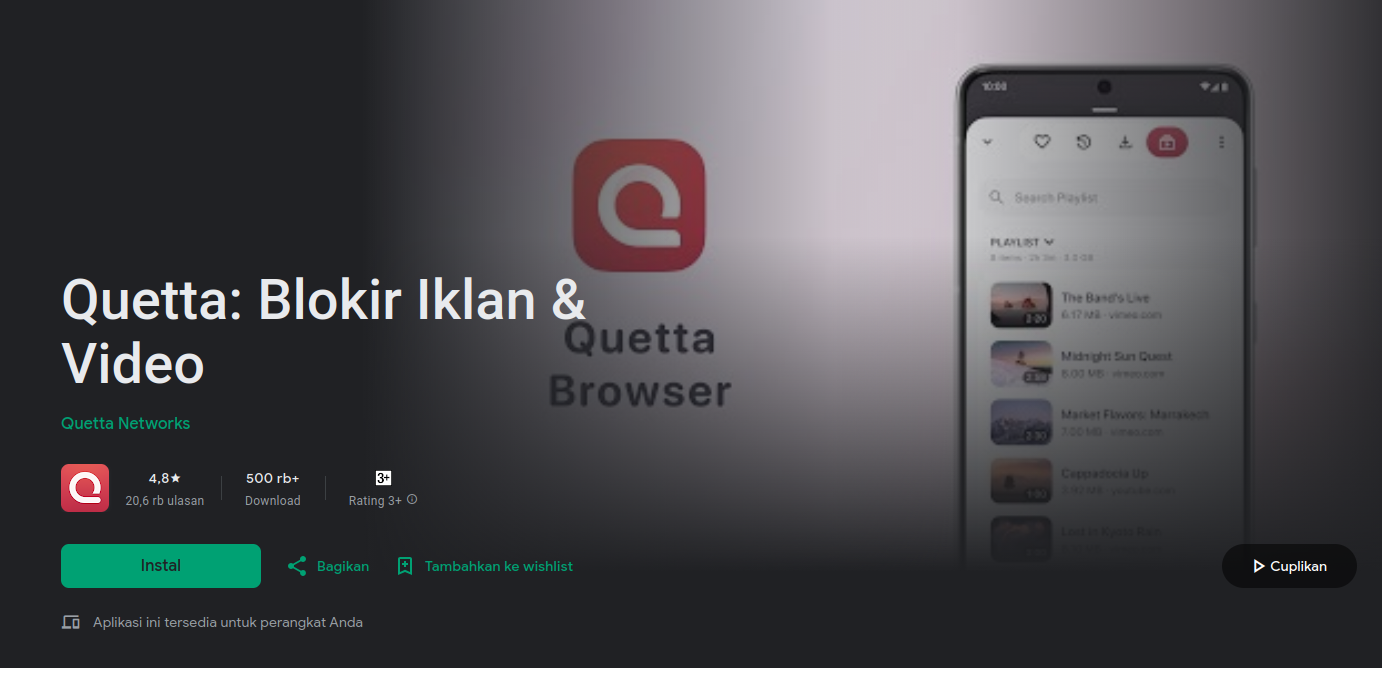
If you’ve been searching for a mobile browser that goes beyond the basics, you’ve probably come across Quetta Browser. It stands out mainly because it promises something most mobile browsers don’t offer: a more “desktop-like” experience, including support for Chrome extensions.
That sounds impressive, especially for users who want more control over their browsing. But there’s also some uncertainty around its reliability and privacy.
This review takes a straightforward look at what Quetta Browser does well, where it falls short, and whether it’s worth using in 2026.
What Is Quetta Browser?
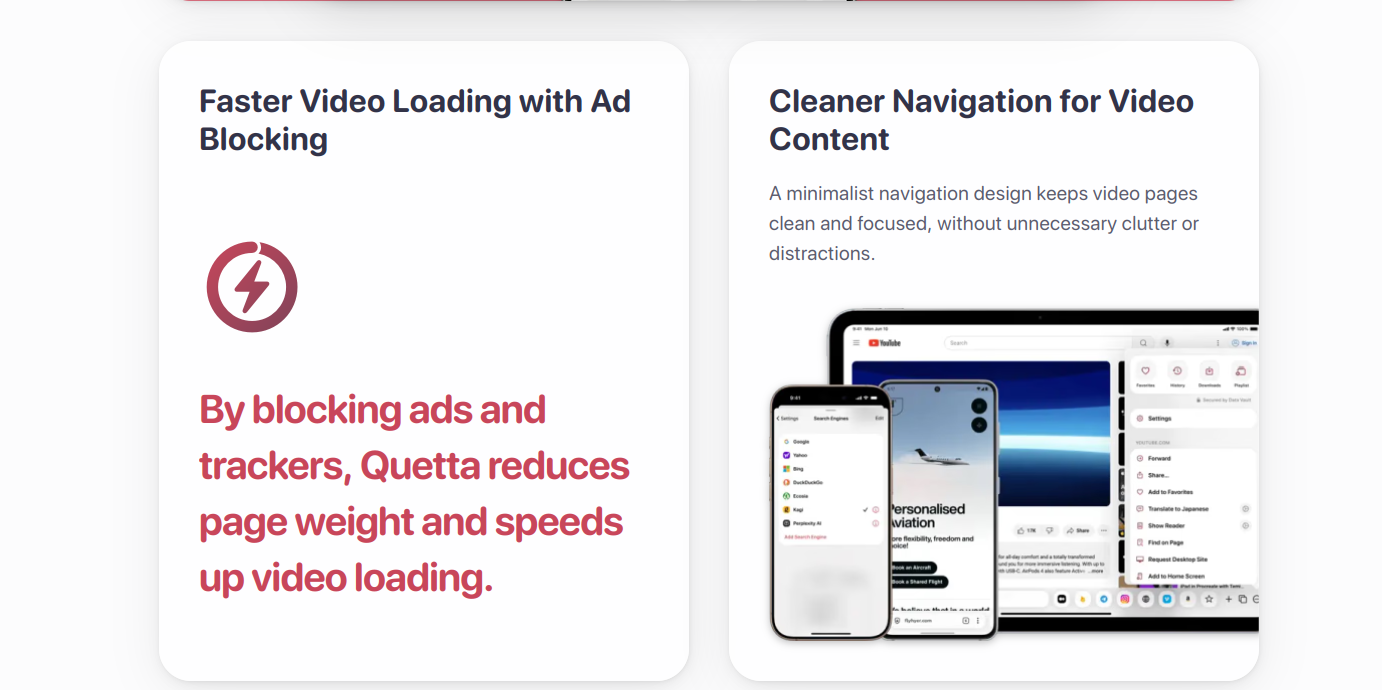
Quetta Browser is a Chromium-based mobile browser, with built-in video downloader, full extension support, and powerful ad blocker.
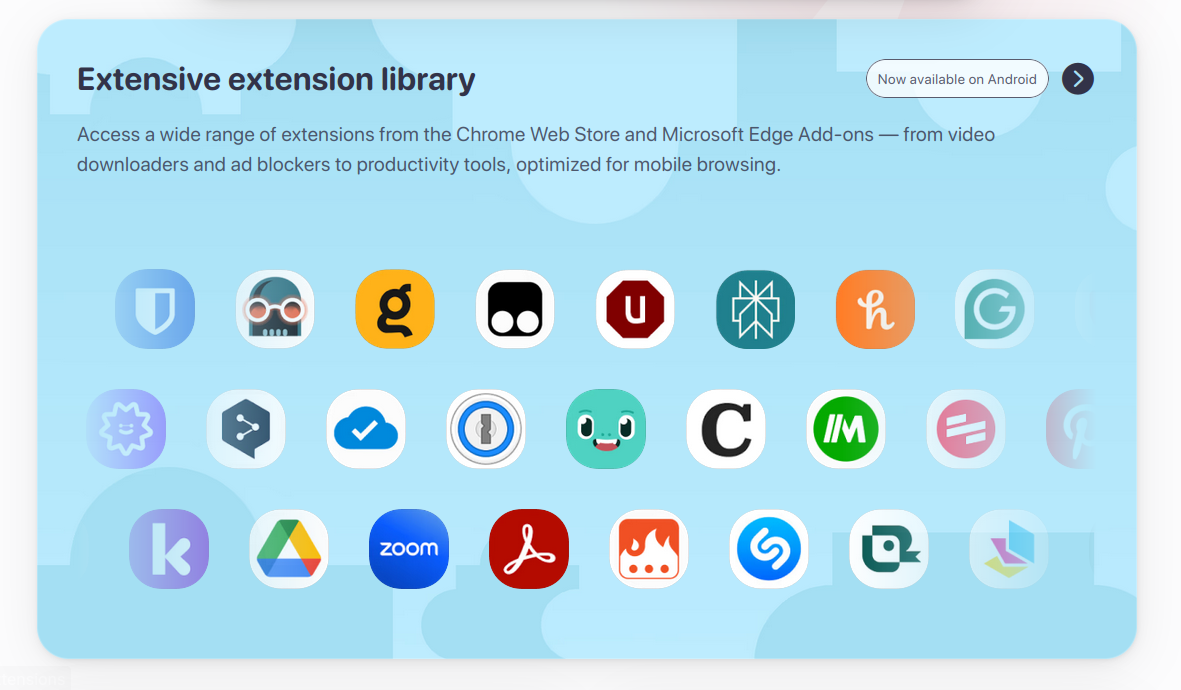
This Chromium-based browser supports the Chrome Web Store and Edge Add-ons Store, allowing you to use your favorite extensions directly in the browser, similar in foundation to Google Chrome and Microsoft Edge. This means it uses the same core technology but adds its own features on top.
With a Quetta Browser, you get a fast, ad-free browser, and video downloader designed for a modern browsing experience
The goal is simple: give users a faster, cleaner browsing experience while adding tools that are usually only available on desktop browsers.
Key Features
Chrome Extension Support
This is the main reason people try Quetta Browser.
Unlike most mobile browsers, Quetta allows you to install and use Chrome extensions. For users who rely on extensions for productivity, privacy, or customization, this can make a big difference.
That said, not every extension works perfectly, but the support is still better than most alternatives on mobile.
Built-in Ad Blocking
Quetta includes a native ad blocker that removes many ads and trackers automatically.
In daily use, it does a decent job of cleaning up websites and speeding up page loading. It’s not perfect, though, and some ads can still get through depending on the site.
Video Downloading and Media Tools
Another feature that gets attention is the built-in video downloader.
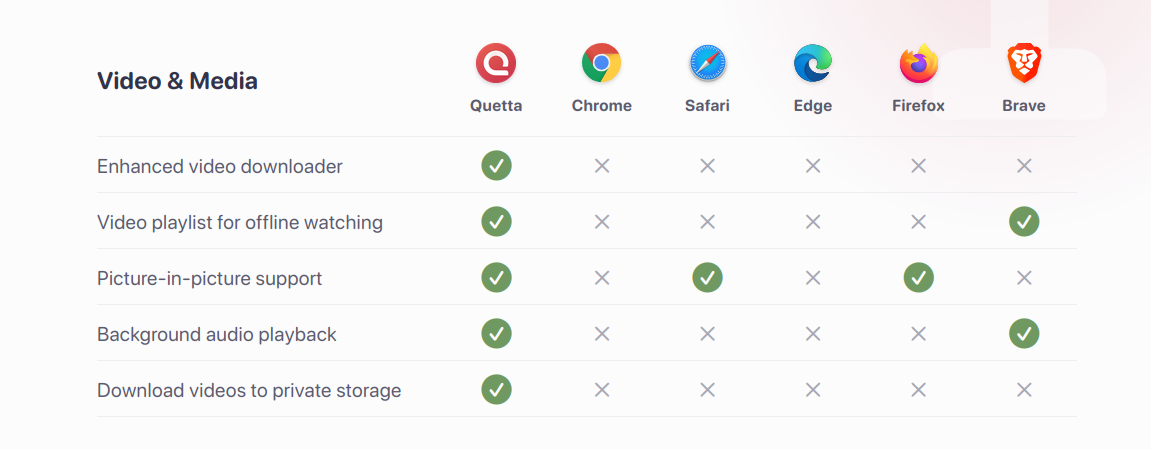
It can detect media on many websites and allow you to download it directly. There’s also support for background playback, which can be useful if you multitask often.
However, this doesn’t work on every platform, and some major sites limit this functionality.
Data Vault and Encryption
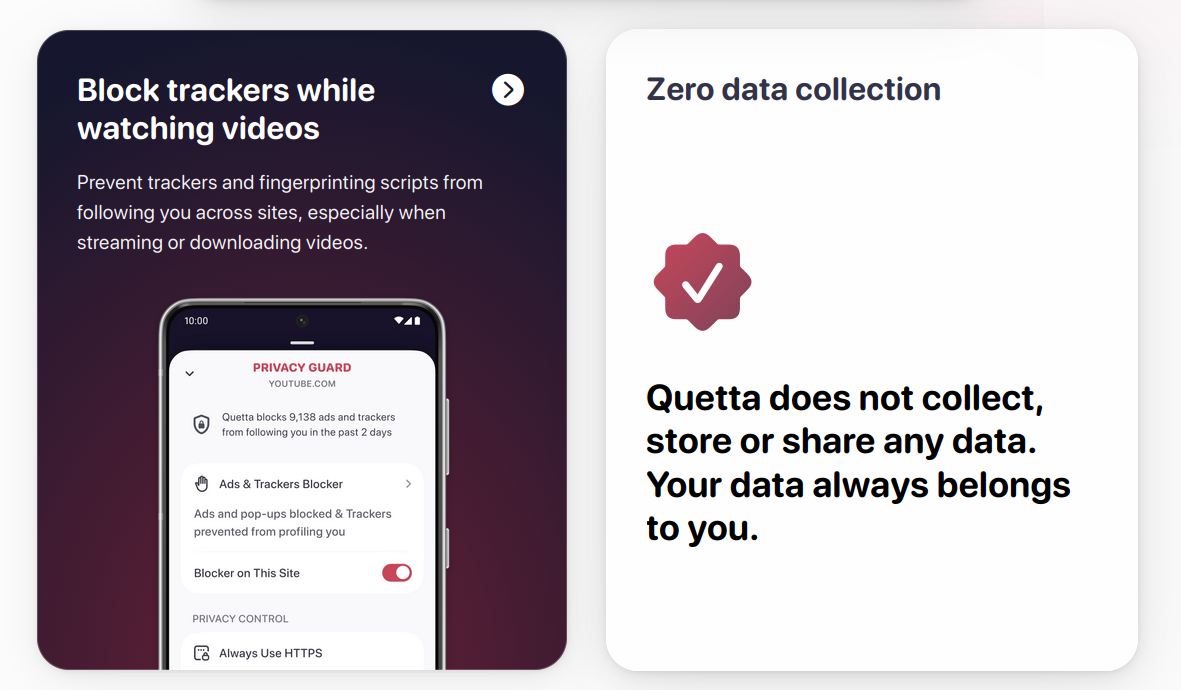
Quetta includes a feature called Data Vault, which uses AES-256 encryption to store files securely.
On paper, this sounds strong. But since the browser itself is not open-source and hasn’t been independently audited, it’s difficult to verify how reliable this feature actually is.
Minimal Interface
The browser keeps things simple. There’s no heavy news feed, no clutter, and no unnecessary distractions.
For users who prefer a clean interface, this is a noticeable advantage over more crowded browsers.
What Works Well
Quetta Browser gets a lot right when it comes to features.
It offers extension support, which is still rare on mobile. The interface is clean and easy to use. It also includes useful extras like ad blocking and media tools that many browsers don’t provide by default.
For someone who likes to customize their browsing experience, it can feel much more flexible than standard options.
Where It Falls Short
Despite the strong feature set, there are a few important downsides.
First, stability can be inconsistent. Some users report slowdowns, occasional bugs, and issues with video or audio playback. It’s usable, but not always smooth.
Second, there’s the question of trust. Quetta claims to focus on privacy, but it’s closed-source and doesn’t have publicly available security audits. That doesn’t automatically mean it’s unsafe, but it does mean users have to take those claims at face value.
Third, some features don’t always work reliably. The ad blocker isn’t perfect, and the video downloader won’t work on every site.
Finally, the browser is still developing. Compared to more established browsers, it feels less polished.
Comparison With Other Browsers
Compared to Google Chrome, Quetta offers more customization and features, but Chrome is far more stable and widely trusted.
Compared to Mozilla Firefox or Brave, Quetta falls behind in transparency and proven privacy practices, even though it offers more experimental features.
In short, Quetta focuses on capability, while other browsers focus more on reliability and trust.
Who Should Use Quetta Browser?
Quetta Browser makes the most sense for users who want more control and are comfortable experimenting with newer tools.
If you like using extensions, tweaking your setup, and trying features that aren’t common on mobile, it can be a good fit.
However, if you prioritize stability, long-term reliability, or verified privacy, it may not be the best primary browser.
Final Verdict
Quetta Browser is impressive in terms of what it tries to do. Bringing extension support and advanced tools to mobile is not easy, and it does a better job than most competitors in that area.
At the same time, it still feels like a work in progress. Stability issues and limited transparency make it harder to fully trust as a main browser.
For now, it works best as a secondary browser rather than your only one.
Rating
Features: 5/5
Performance: 4/5
Stability: 3/5
Privacy trust: 2/5
Overall rating: 3.8/5
Should You Use It?
If you want more features and flexibility, Quetta Browser is worth trying.
If you care more about privacy, stability, and long-term trust, it’s safer to stick with more established browsers and use Quetta only when you need its unique features.

Quetta Browser is generally safe for casual browsing, but it is closed-source and has not been independently audited. This makes its privacy claims difficult to verify, so it may not be the best choice for sensitive activities like banking.
Yes, Quetta Browser supports Chrome extensions on mobile, which is one of its main advantages. However, not all extensions work perfectly, and performance can vary.
Quetta Browser offers more advanced features like extension support and built-in tools, but Google Chrome is more stable, widely trusted, and regularly updated. The better choice depends on your priorities.
Yes, it includes a built-in ad blocker that removes many ads and trackers. However, it is not perfect and may miss some ads depending on the website.
Most websites work fine, but some features like video downloading may not function on certain platforms due to restrictions.
It depends on your needs. It’s suitable for power users who want advanced features, but for privacy and reliability, it’s better to use it as a secondary browser.